

Every patient, by name,
before you pick up.
The first level, and the whole of the Pro plan: names and numbers from your practice software, kept in sync in the phonebook on every desk phone. Known patient: greet them by name. Unknown number: usually a new patient, so answer fast.
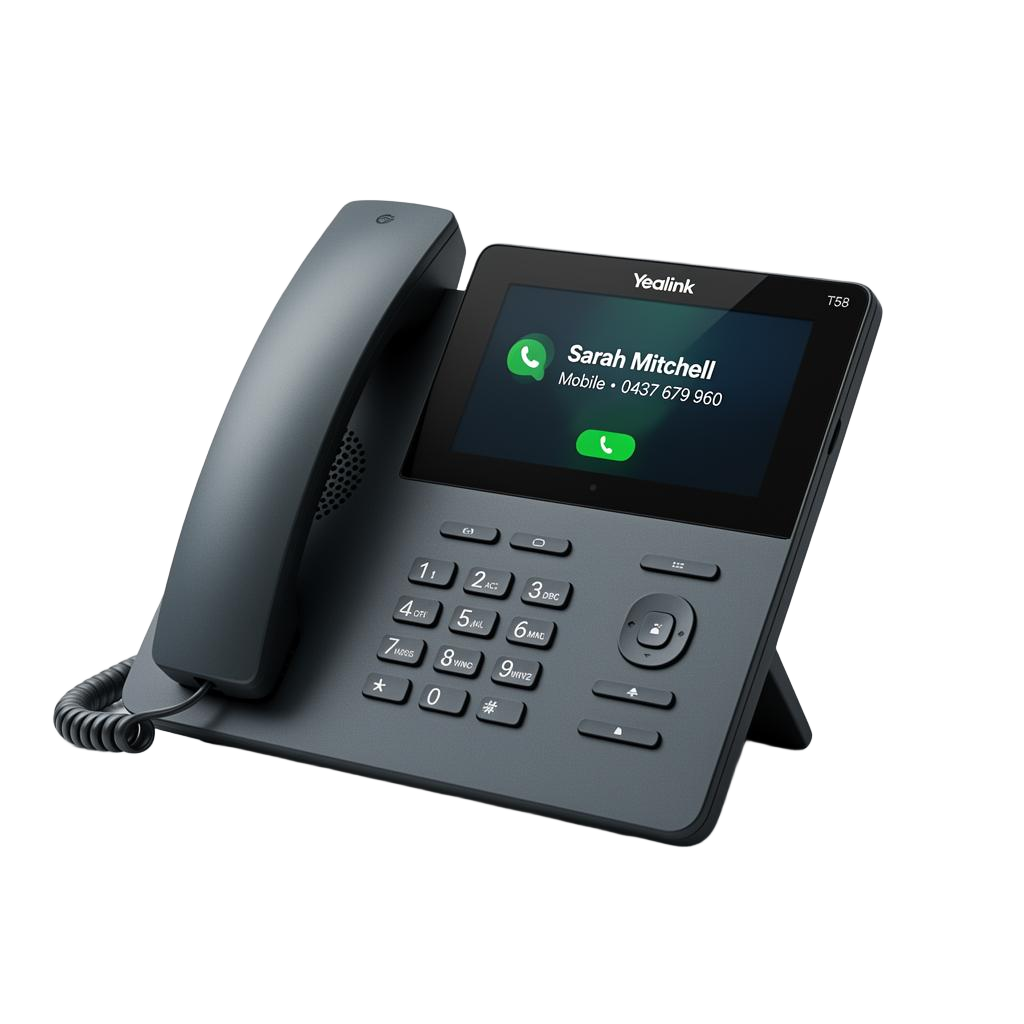
Your phones, your phonebook, always current.
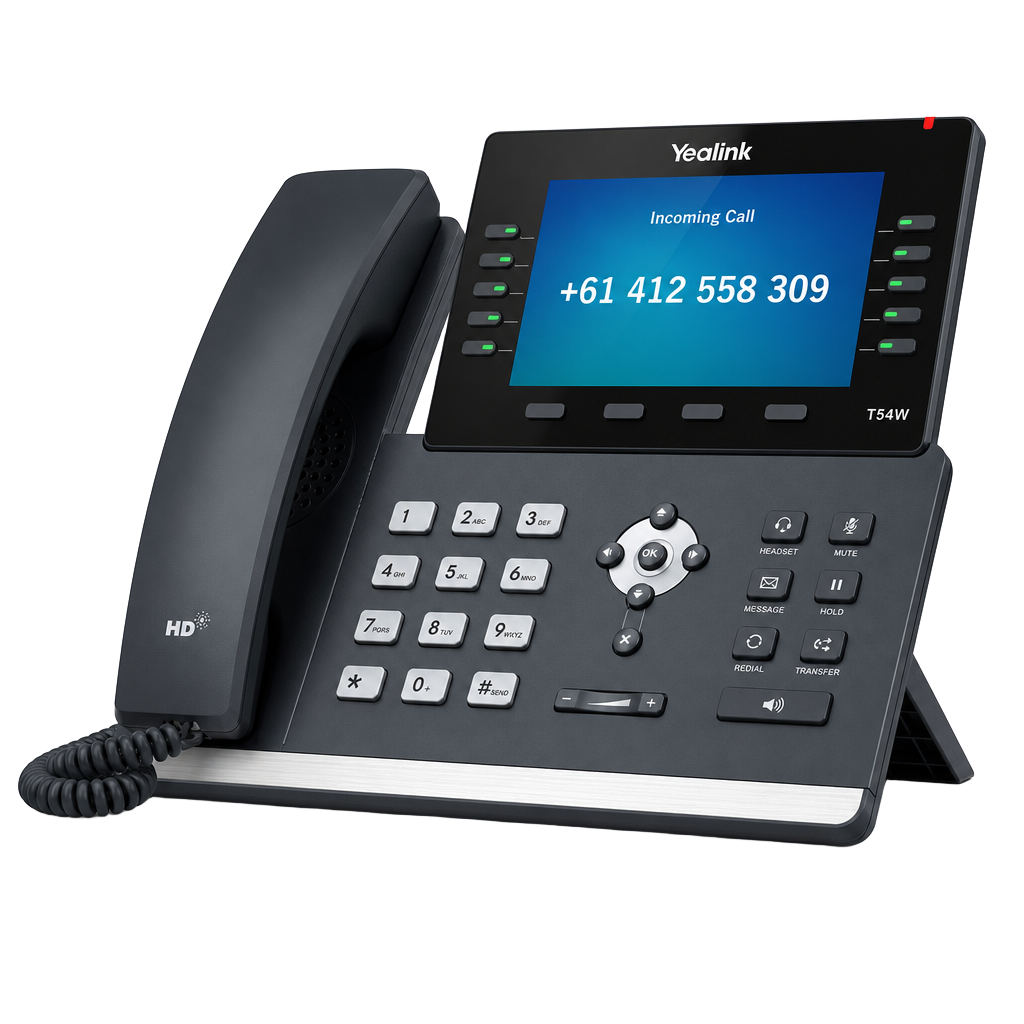
- Yealink, Grandstream and Fanvil handsets; Zoiper and Bria softphones
- Each phone gets its own secure address; nothing is public
- Daily or hourly sync on Enterprise, weekly on Pro, or press Sync now
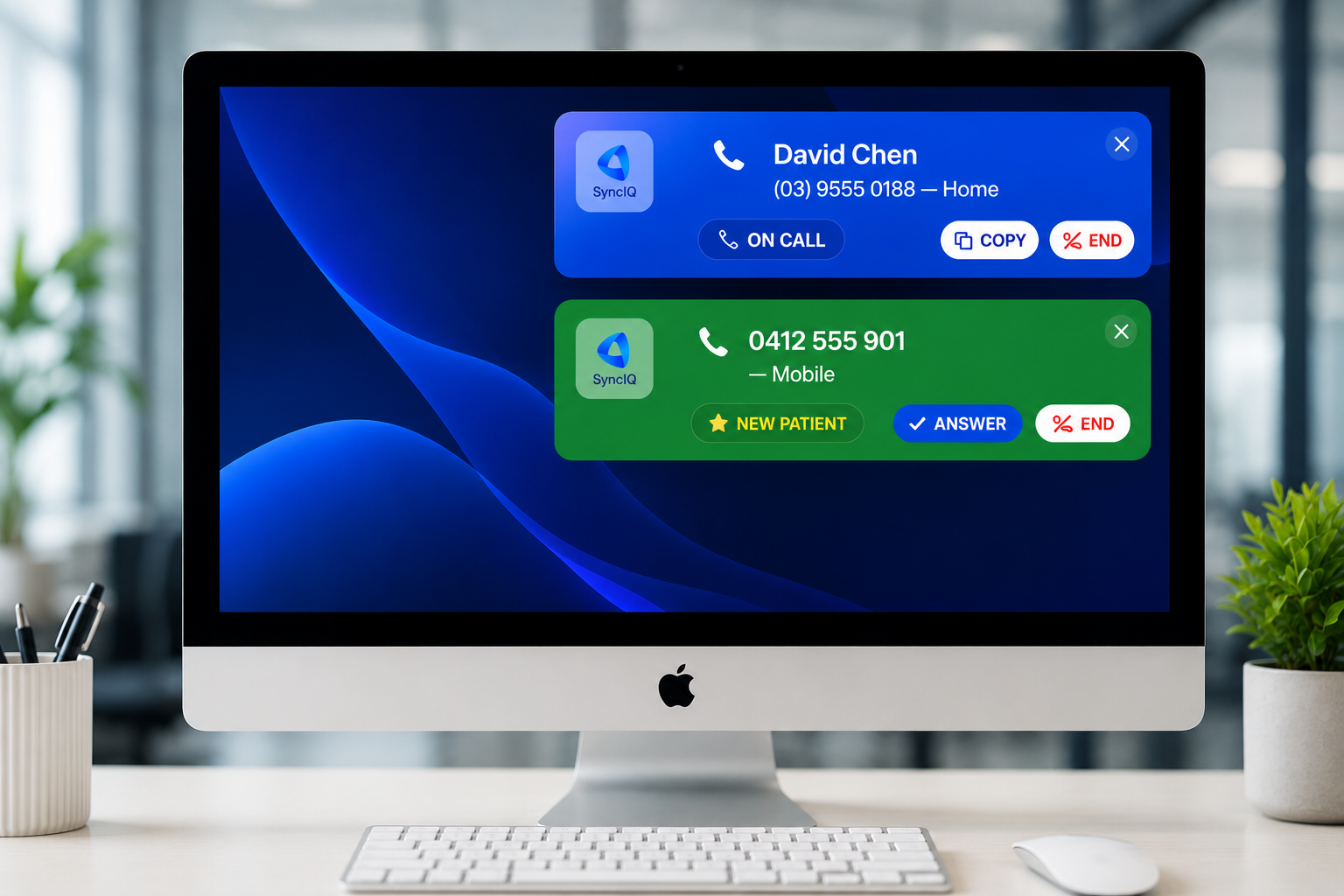
The same call, on every reception screen.
- Enquiries you haven't met show as LEAD with their enquiry open in the CRM
- Booked new patients show as NEW PT and open their appointment
- Duplicate records are collapsed to the oldest file, so the right one opens

📞 LEAD - Priya Nair
0433 210 884 — Mobile
📞 NEW PT - Tom Reilly
0421 008 331 — Mobile
📞 Sarah Mitchell
0412 555 901 — Mobile
Connects to the software you already run.












Set up in about ten minutes.
- 01Connect your practice software
Paste an API key from PracSuite, Cliniko, Nookal, Halaxy, coreplus, PracticeHub or iconpractice. No key? Upload a spreadsheet.
- 02Add the phonebook to your phones
One address per phone, typed into its web settings. Your phone provider can do it, or we will walk you through it.
- 03Install the desktop app
On each reception computer. It signs in once and shows calls from then on.
The details.
Does it change anything in our practice software?+
What about patients who ring from a new number?+
Can we run two or more locations?+
Which phone models are supported?+
Desktop pop-upsEnterprise
The desktop app puts a calm pop-up on each reception computer the moment the phone rings, and one click opens the patient's file in your practice software.
Start with caller ID. Grow into the CRM.
30 days of Enterprise, every feature, no card. Set up in under 10 minutes.